DDK Member Desktops/Wallpaper
Posted: Sun Jan 18, 2004 12:49 pm
Below are a couple of desktops (in two sizes each).
More to follow.
To use as your desktop firstly select the right size (dependant upon size on monitor and resolution you are running. Then follow the relevant link
On a PC right click and save the image into your pictures file or on your hard drive. Then right click and set as your wallpaper.
To use on a Mac click and hold, download image to disk and use the Appearances in your Control Panel.
Any problems PM Bootsy
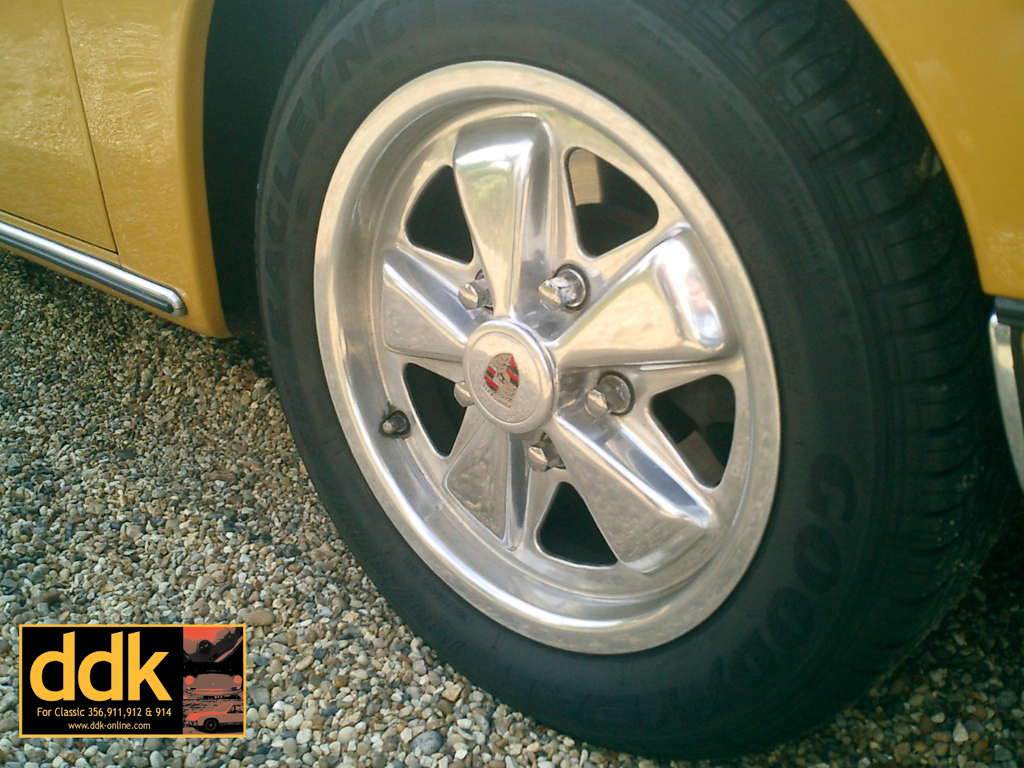
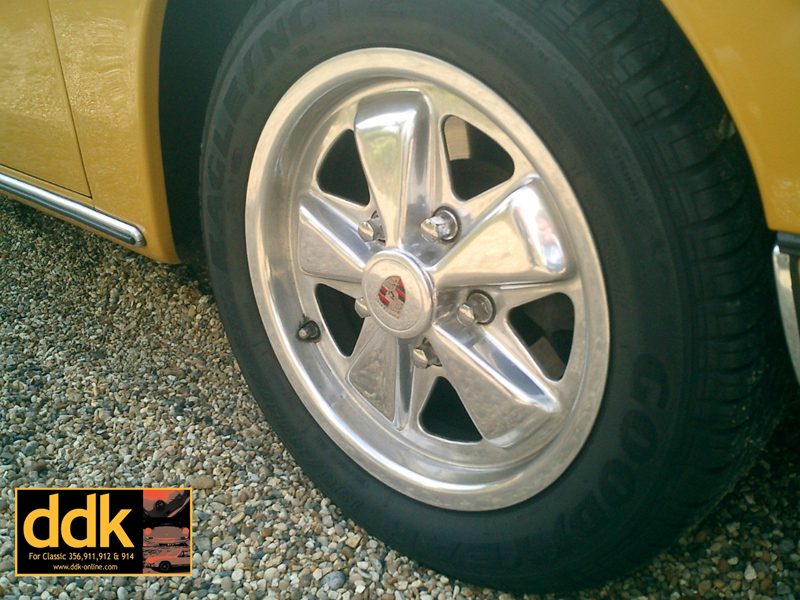
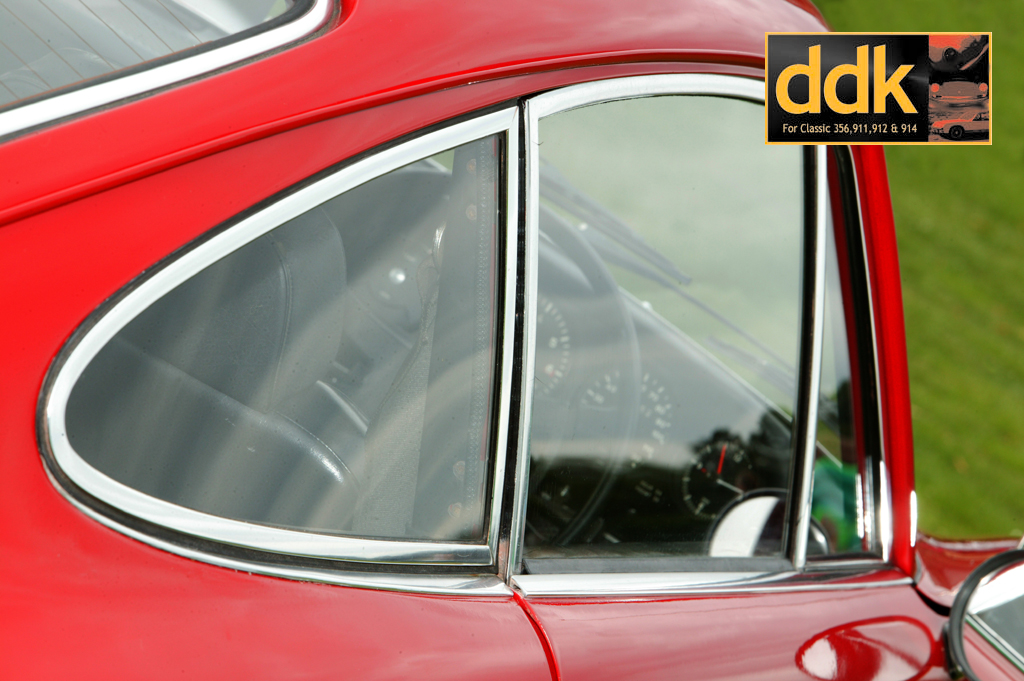
DDK Member Desktop 1

For 1024x768 Click HERE
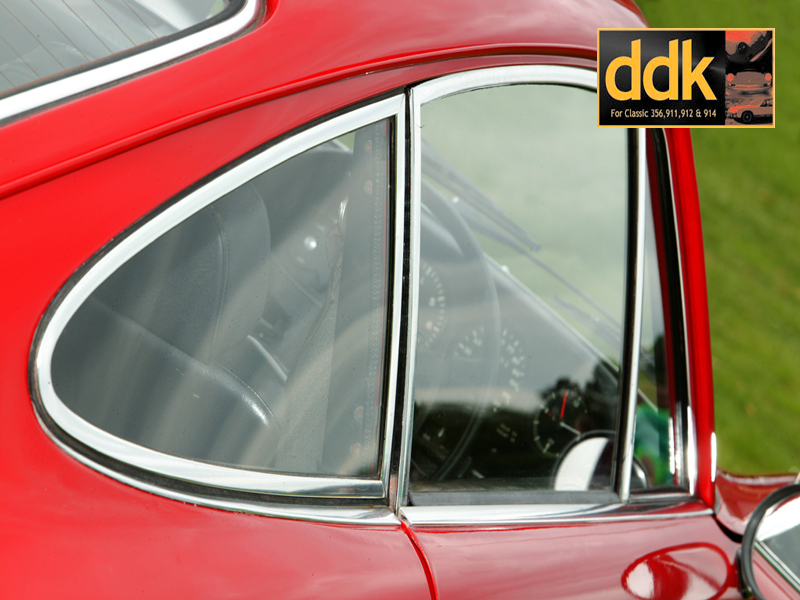
For 800x600 Click HERE
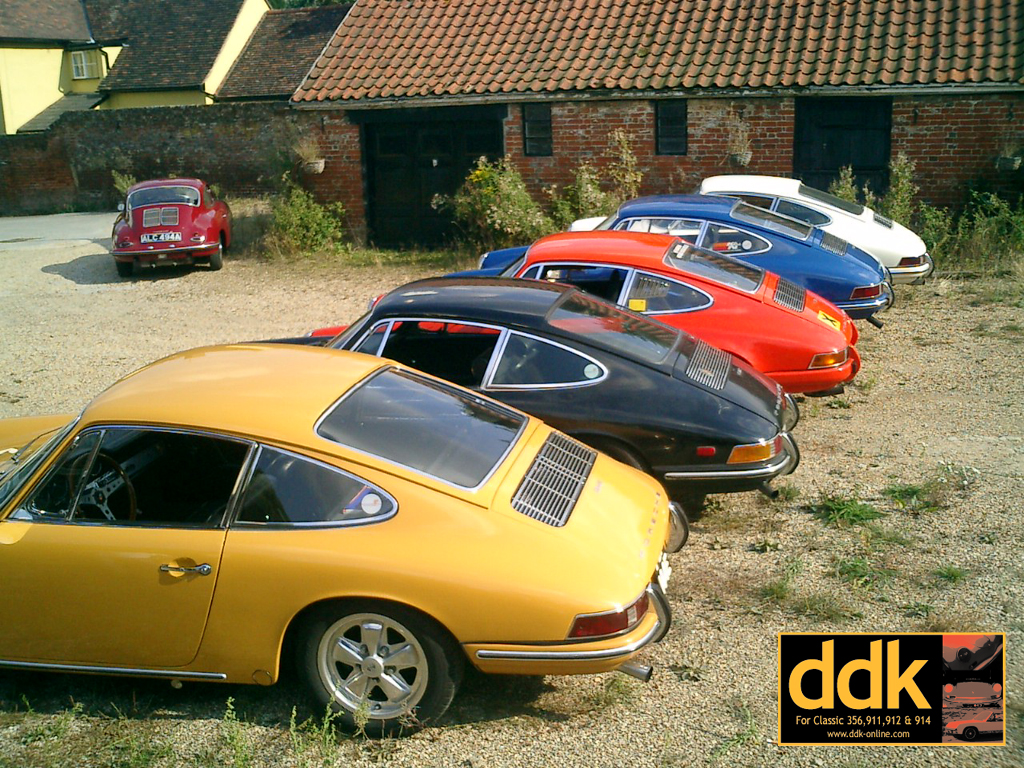
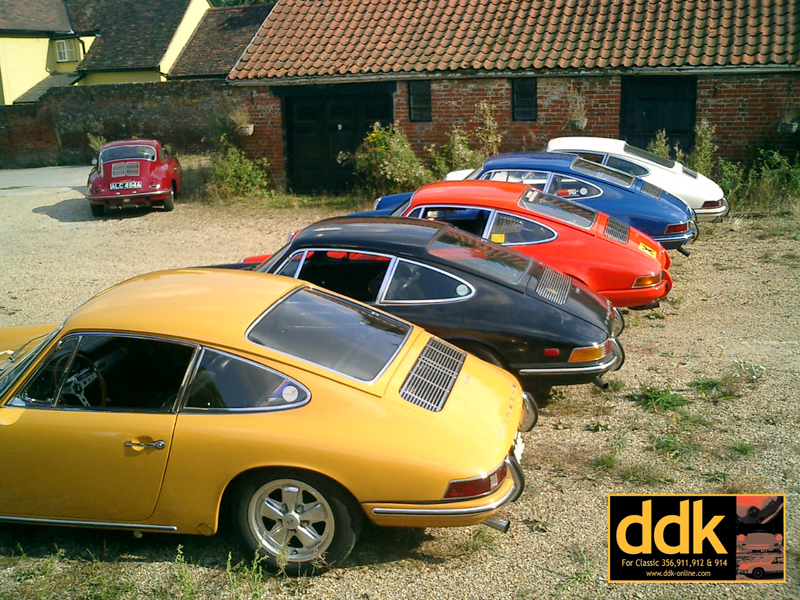
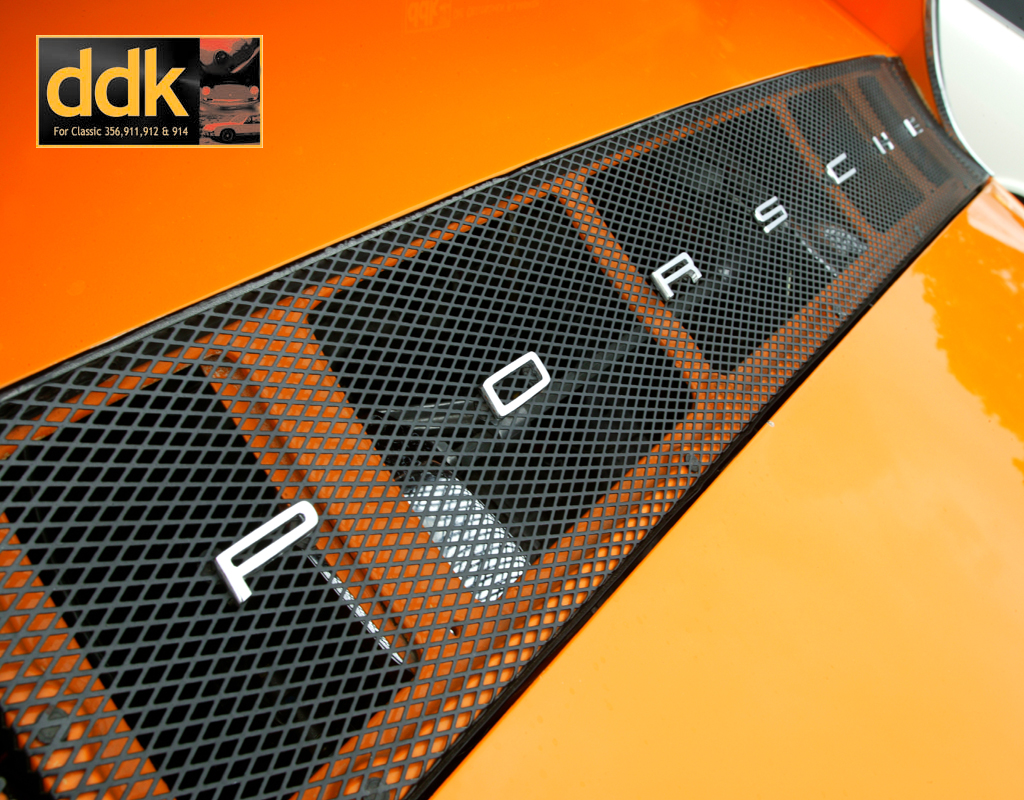
DDK Member Desktop 2

For 1024x768 Click HERE
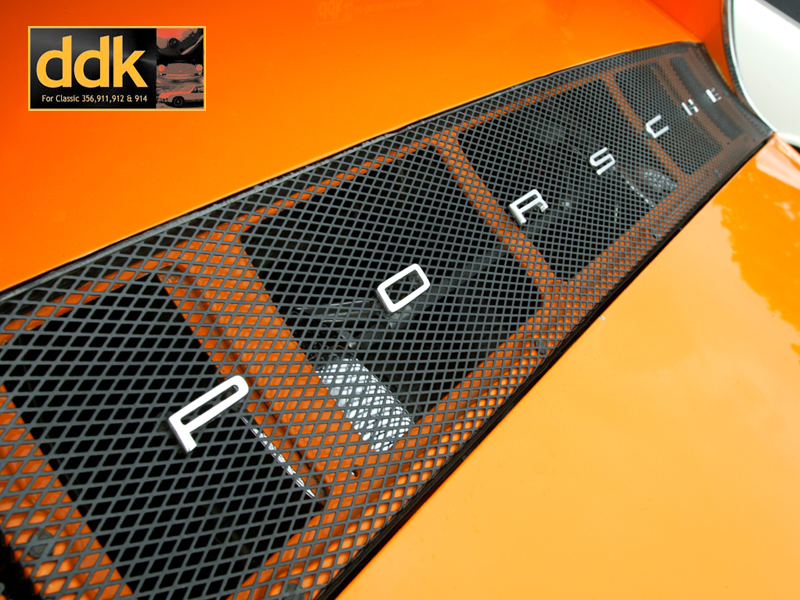
For 800x600 Click HERE
More to follow.
To use as your desktop firstly select the right size (dependant upon size on monitor and resolution you are running. Then follow the relevant link
On a PC right click and save the image into your pictures file or on your hard drive. Then right click and set as your wallpaper.
To use on a Mac click and hold, download image to disk and use the Appearances in your Control Panel.
Any problems PM Bootsy
DDK Member Desktop 1
For 1024x768 Click HERE
For 800x600 Click HERE
DDK Member Desktop 2
For 1024x768 Click HERE
For 800x600 Click HERE